
ColoringPage AIFree coloring pages from photos & text
Printable black-and-white line art — PNG & PDF, 10 free pages per day, no account required to try.
How a page prints
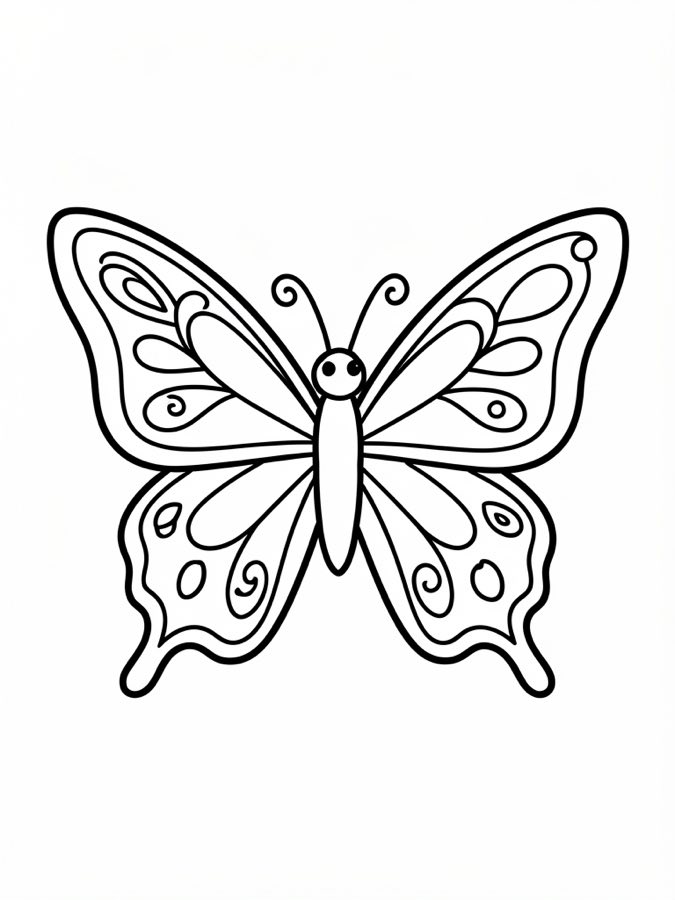
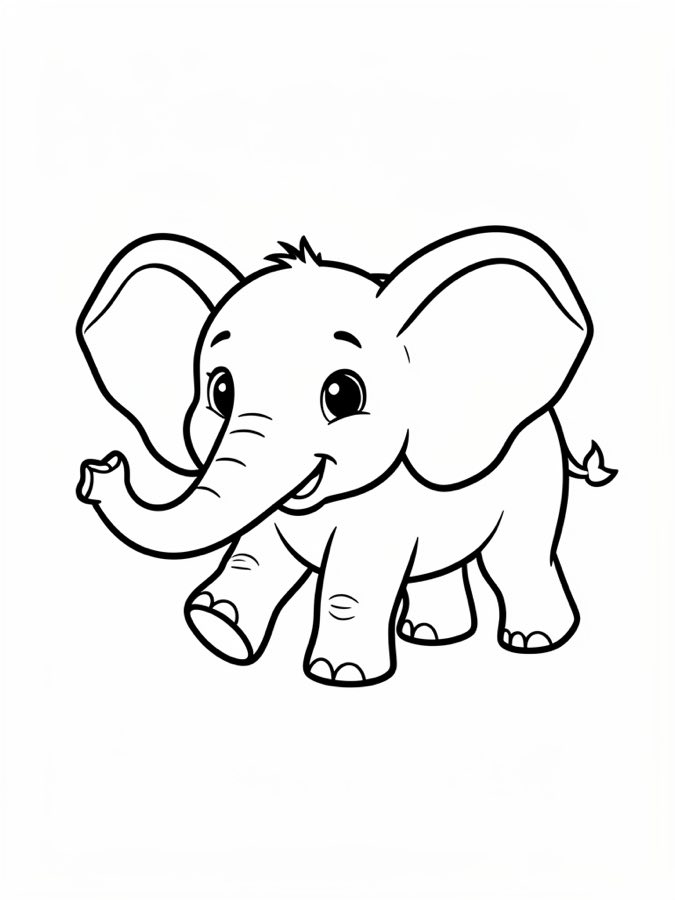
Thick outlines on a white background, sized for Letter or A4. Ordinary printer paper is enough — crayons and markers stay clean.
- Letter · printable
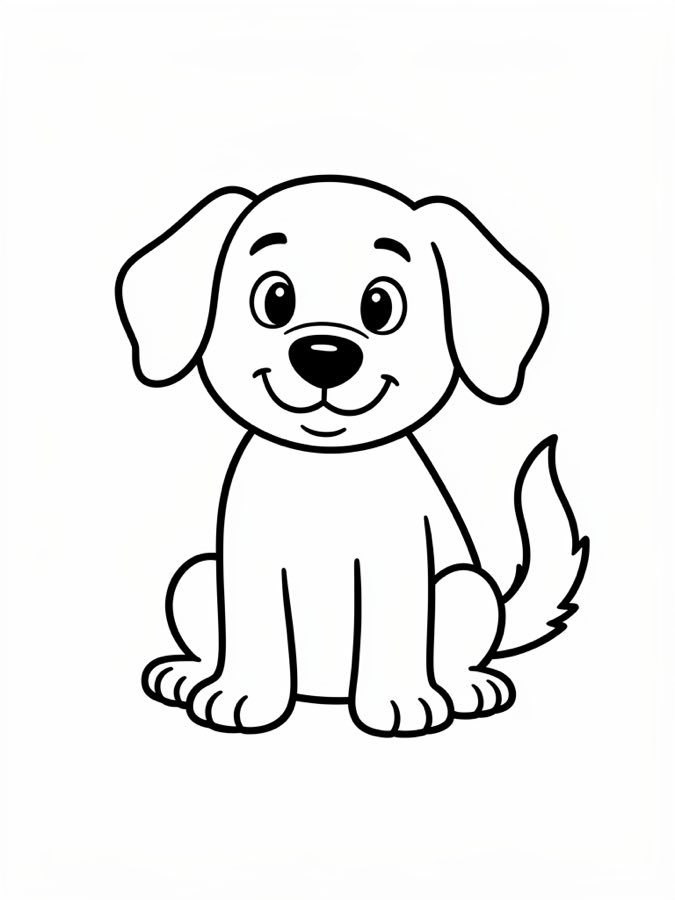
Dog - Letter · printable
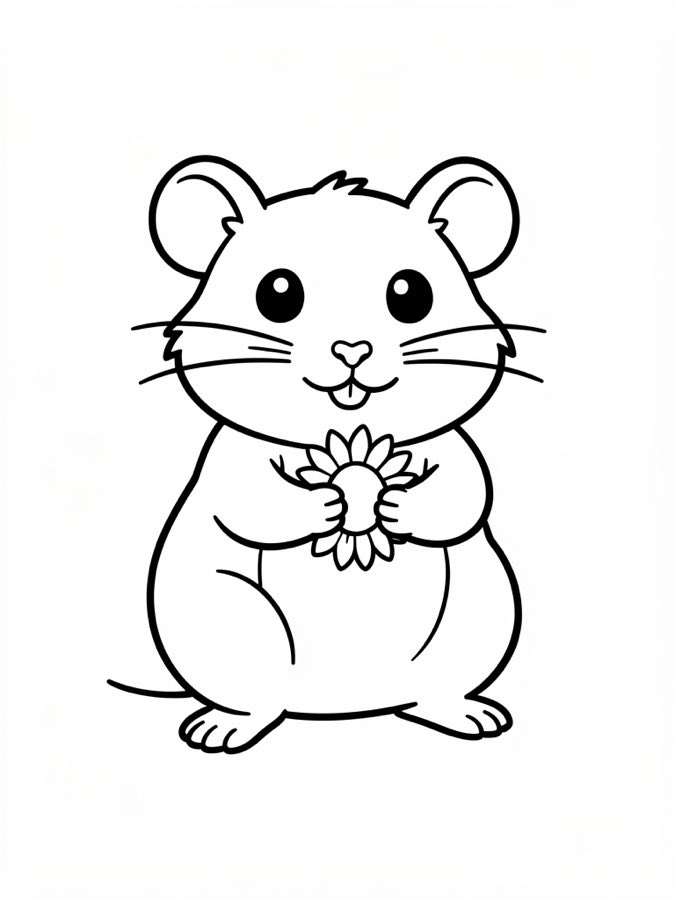
Hamster - Letter · printable

Fire truck
Prefer a guided topic? Browse free coloring page themes.
Photo to line art
Upload a clear pet or portrait photo. We aim for open white space and bold contours so kids can color without muddy gray fills. Works best with a simple background and good lighting.
After · line art
After · line art
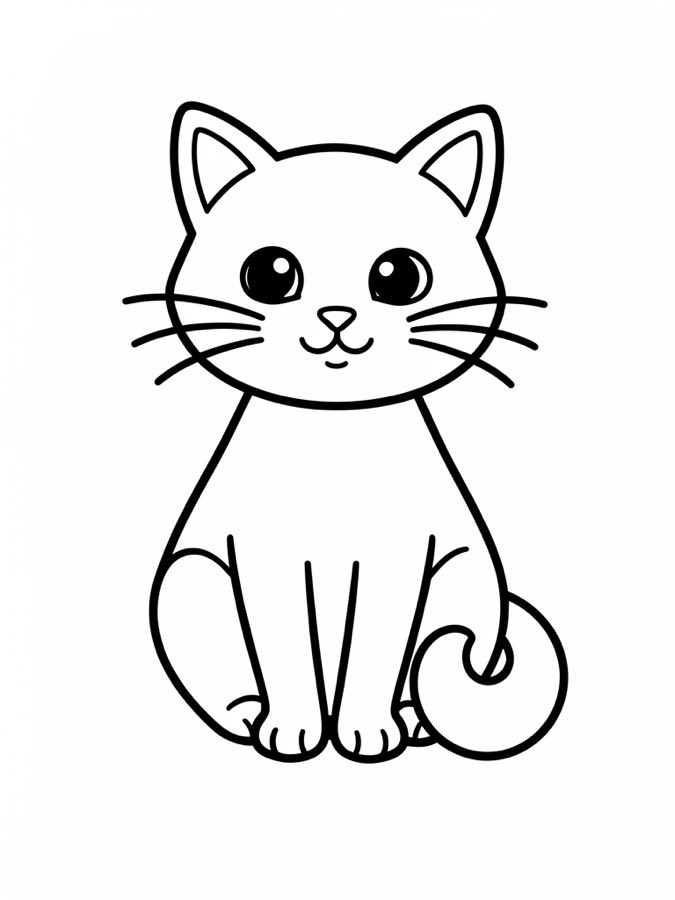
Examples of AI-generated printable outlines (not stock photos). Your upload stays private to the generation request.
Built for pages you actually print
- Text or photo. Describe a classroom theme, or convert a clear snapshot into outlines.
- Simple or detailed. Fewer lines for preschool; more for older kids who want texture.
- PNG & PDF. Letter/A4 friendly exports — no extra conversion step before the printer.
Free coloring page themes
Guided pages with tips and prompts — then generate fresh variations.
Questions parents and teachers ask
- Is it really free to create coloring pages?
- Yes. Guests get 10 free pages per day with no account required. Free downloads are PNG/PDF with no watermarks.
- Can I turn a photo into a coloring page?
- Yes. Open Photo to Coloring, upload a JPG or PNG, optionally add a note like “keep only the dog,” then generate. See our photo-to-coloring guide for tips.
- What photo formats are supported?
- JPG and PNG work best. Use a clear subject, good lighting, and a simple background for cleaner outlines.
- Can I create a coloring page from text?
- Yes. Use Text to Coloring, describe your idea (for example “cute frog on a lily pad”), pick style and size, then generate.
- What prompt should I use?
- Keep it concrete: subject + pose + “thick outlines” or “for kids.” Example: “friendly cartoon lion sitting, white background.” Avoid copyrighted character names.
- How do I print a coloring page?
- Download PDF (best for Letter/A4) or PNG, open it, and print portrait at normal quality on ordinary paper. Photo paper is not required.
- How do I print from my phone?
- Download the file, then use Share → Print (AirPrint on iPhone) or your printer’s app. PDF usually prints more reliably than a tiny screen preview.
- Can I use these coloring pages commercially?
- Personal and classroom use is fine. Do not resell generated images as a stock coloring book without your own legal review.